Personal and work accounts
Keep everyday and professional chats in separate named sessions, without managing an extra browser profile for every account.
Explore the workflowKeep personal, work, sales and support sessions organized in one desktop workspace. Windows Stable plus macOS and Linux Beta downloads.

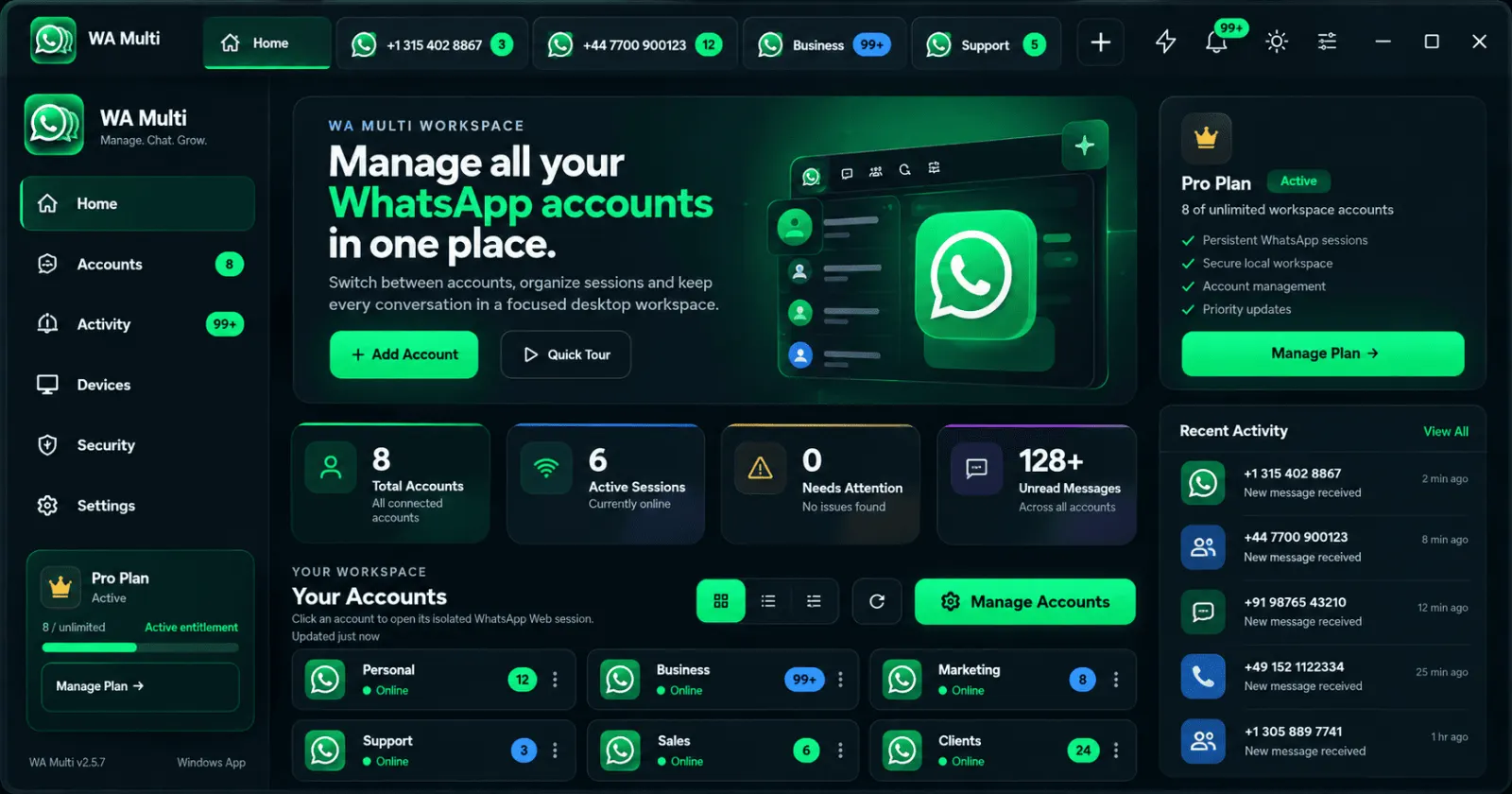
WA Multi is available for Windows, with early-access builds for macOS and Linux. All share the core multi-account workspace.
MADE FOR REAL MULTI-ACCOUNT WORK
Two accounts or many: keep the WhatsApp Web sessions you already own visually separate, so you can choose the right account before replying.
Keep everyday and professional chats in separate named sessions, without managing an extra browser profile for every account.
Explore the workflowKeep customer-facing WhatsApp numbers identifiable at a glance and switch between the sessions that need your attention.
See business use casesStart with two accounts on Free. When you manage more numbers or need additional devices, Pro expands your workspace.
Compare Free and ProFree: up to 2 accounts · Windows Stable · macOS and Linux Beta
WA Multi gives each WhatsApp Web session a clear identity and keeps the controls you use every day close at hand.
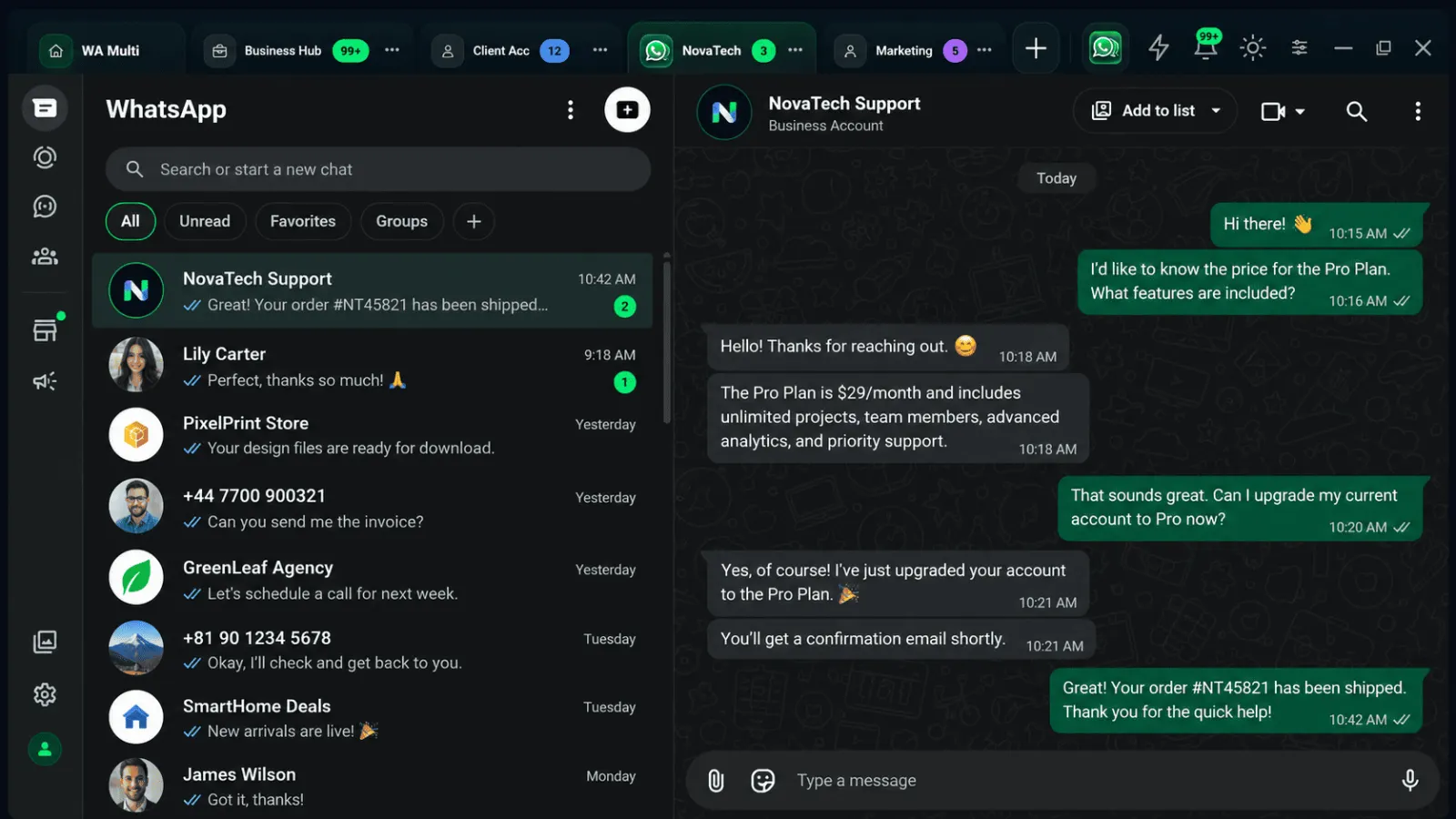
Open separate WhatsApp Web sessions side by side without mixing cookies, tabs or account context.
Named tabs make it obvious which account is active before you type.
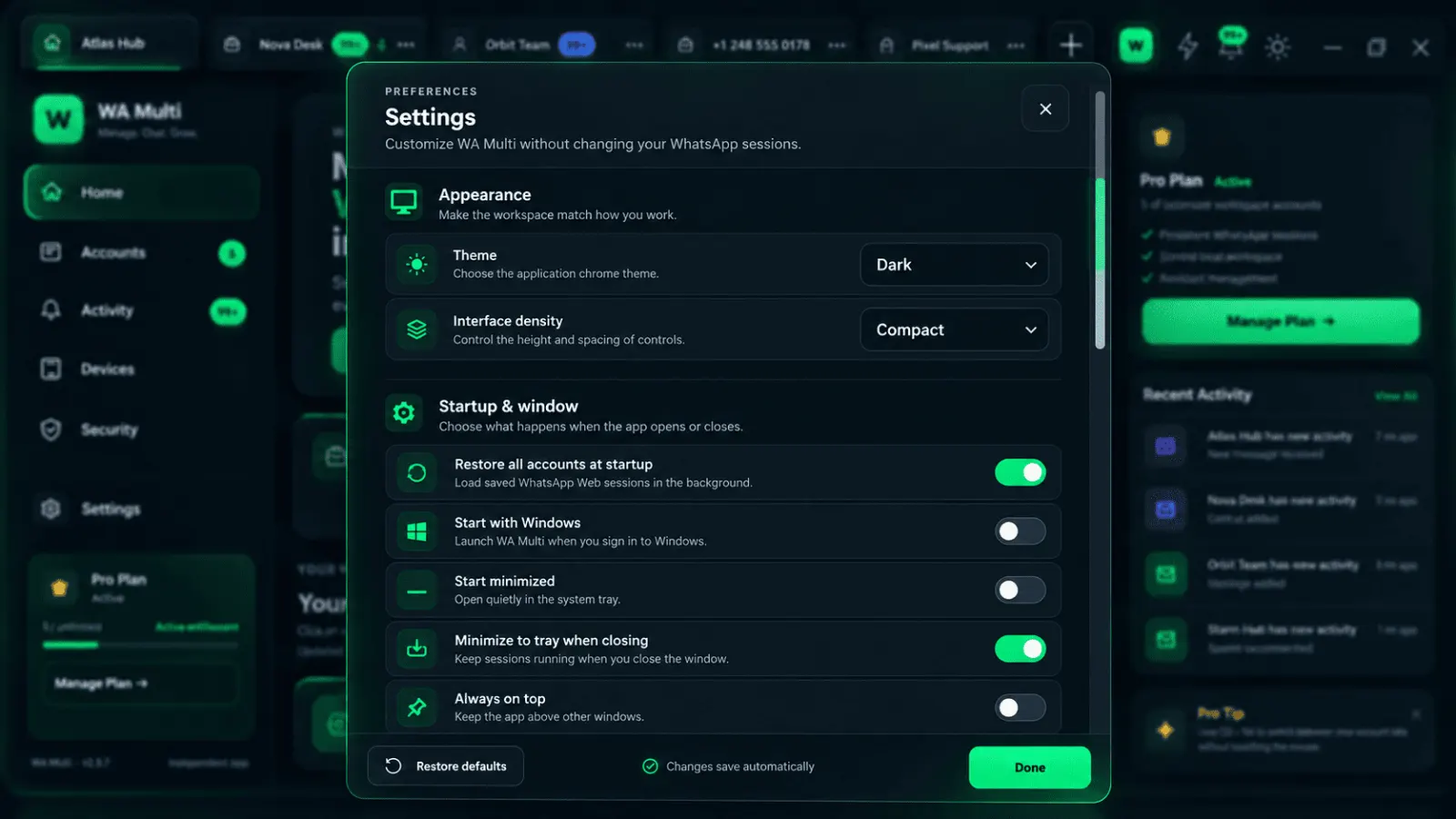
Keep your connected sessions ready so your workspace comes back when you reopen WA Multi.
Save common replies and reuse them when speed matters.
See where attention is needed without opening every account first.
WA Multi organizes the desktop experience around the WhatsApp Web sessions you connect.
Watch a short walkthrough of the Windows workspace before installing. Discover how to organize multiple WhatsApp Web sessions in one place.
Explore how separate WhatsApp accounts fit into one Windows workspace before you download.
Download the Windows installer from wamulti.com.
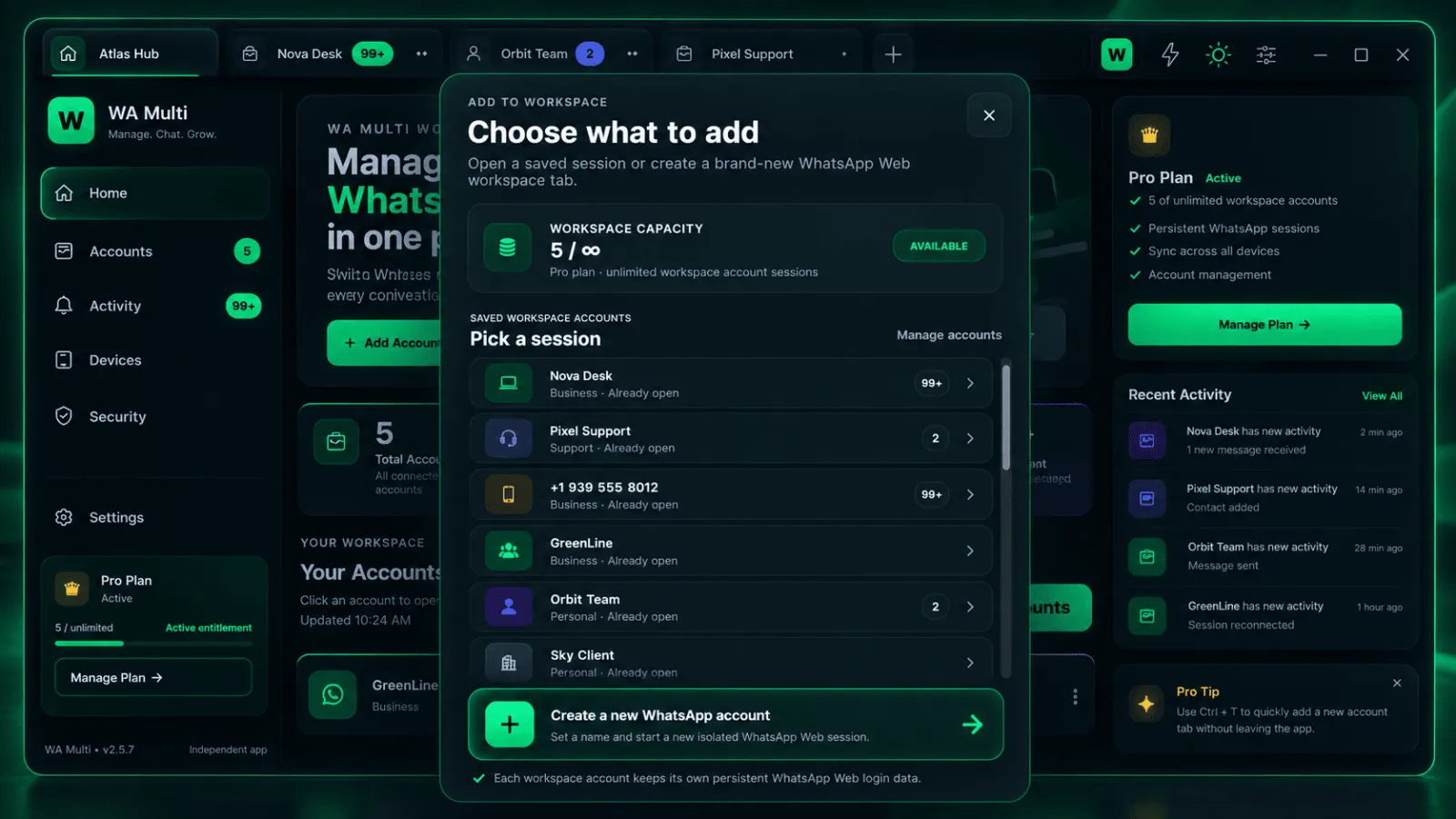
Scan the WhatsApp Web QR code with the account you want to add.
Use labels like Personal, Sales, Support or Client A.
Switch accounts without rebuilding your browser setup.
Try the complete workflow with up to two accounts. Upgrade to Pro when multi-account messaging becomes part of your daily work.
Yes. WA Multi is designed to keep separate WhatsApp Web sessions available inside one desktop application.
No. You connect WhatsApp accounts you already own. WA Multi organizes the desktop workspace around those sessions.
No. The point of WA Multi is to reduce the need to maintain multiple browser profiles just for separate sessions.
No. WA Multi is independent third-party software and is not endorsed by WhatsApp or Meta.