01
Multiple WhatsApp Accounts on Windows
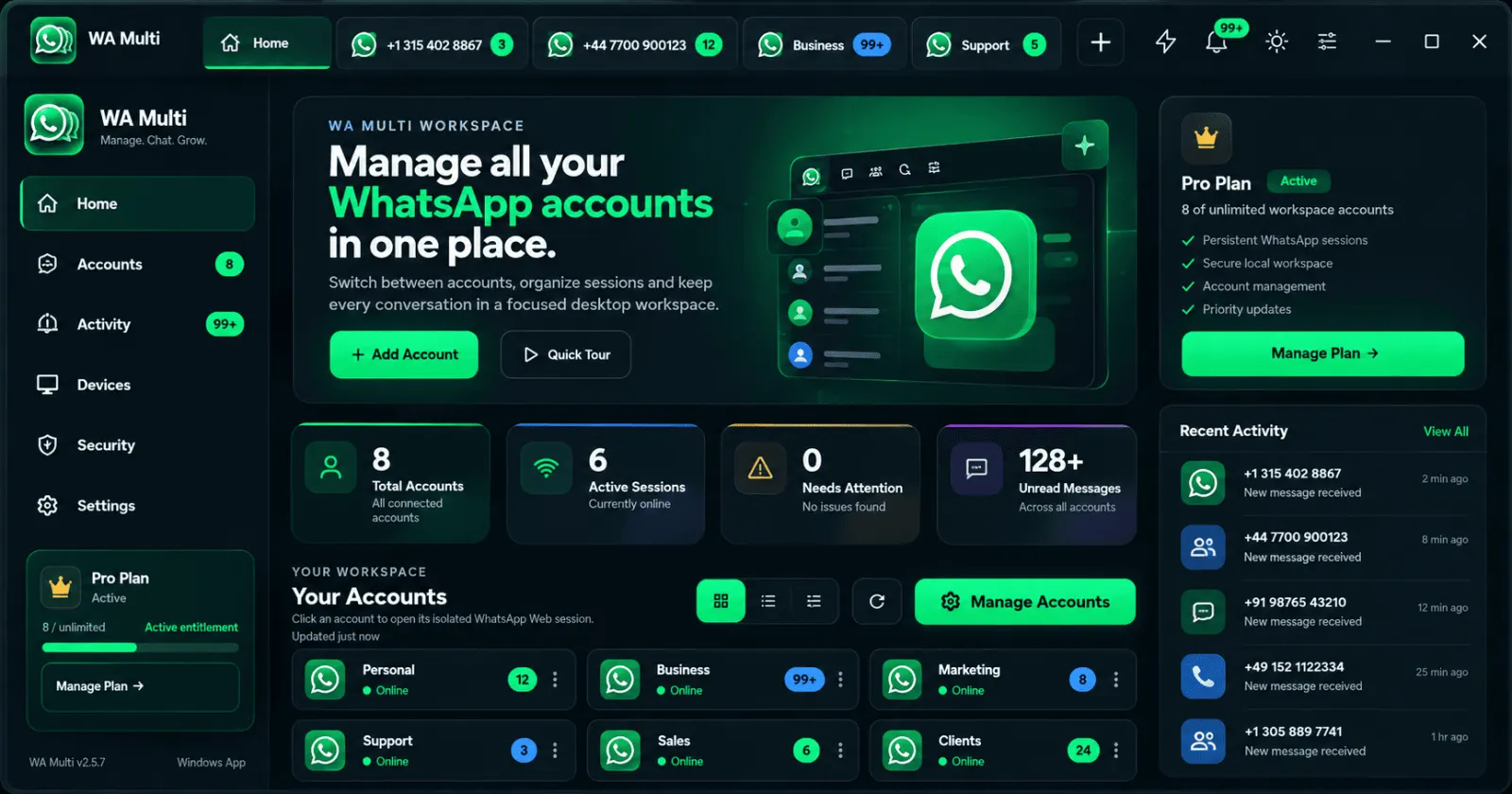
Detailed answers about using two, three or more WhatsApp accounts on one Windows PC, keeping sessions separate, and switching between personal, work and business accounts.
Explore topicBrowse 52 detailed answers covering multiple WhatsApp accounts, Windows setup, account switching, WhatsApp Business, privacy and WA Multi plans.
7,532+ words of practical setup and troubleshooting guidance.
Detailed answers about using two, three or more WhatsApp accounts on one Windows PC, keeping sessions separate, and switching between personal, work and business accounts.
Explore topicLearn how to manage WhatsApp Business accounts, customer support conversations, sales numbers and multiple support sessions on one Windows PC with WA Multi.
Explore topicStep-by-step answers for installing WA Multi on Windows, adding WhatsApp Web sessions, naming accounts, restoring workspaces and reducing browser-profile clutter.
Explore topicTroubleshoot WhatsApp Web QR code problems, expired codes, loading screens, repeated logouts and session relinking on Windows.
Explore topicLearn how to switch between multiple WhatsApp accounts faster, organize account tabs, use Quick Messages and manage work, support and personal sessions.
Explore topicUnderstand how WA Multi separates WhatsApp Web sessions, what the app does not control, and practical security habits for multi-account desktops.
Explore topicAnswers about the WA Multi free plan, Pro unlimited accounts, adding sessions, upgrades and how pricing relates to multiple WhatsApp accounts.
Explore topicThe Help Center answers focused questions. The Guides section goes deeper with complete workflows for two accounts, business use, QR-code problems, switching and desktop organization.
Browse all guides