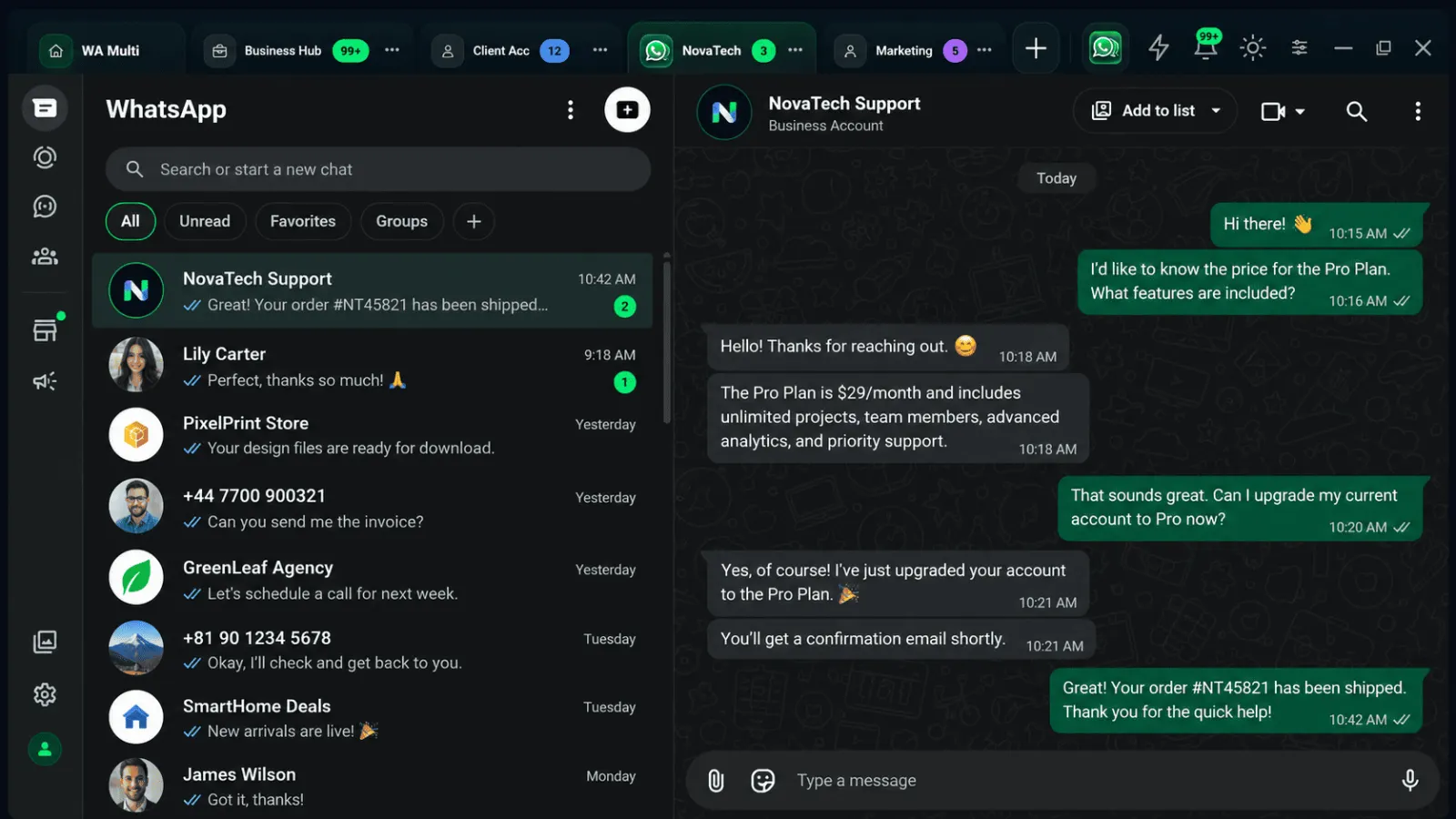
Plusieurs sessions indépendantes
Keep multiple connected WhatsApp Web sessions in one app without merging their browser state.
Everything in WA Multi is focused on one job: making separate WhatsApp Web sessions easier to identify, switch and keep organized on Windows, macOS and Linux.
Keep multiple connected WhatsApp Web sessions in one app without merging their browser state.
Move between named accounts from the same workspace instead of hunting through browser windows.
Reopen WA Multi and get back to the sessions you already organized.
Keep reusable text close for repetitive customer, support or sales replies.
See account activity and unread attention signals from the workspace.
Name accounts so you know whether you are replying from Personal, Work, Support or Sales.
Use desktop shortcuts to move through your workspace with less mouse travel.
Each connected session remains separate so contexts do not become one shared login.
WA Multi can receive newer releases through the desktop update channel as the product evolves.
The app gives every session a recognizable place while keeping navigation, unread activity and account controls around the same visual system.
Installer WA Multi