Personal + work
Keep a personal number and a work number available on the same Windows PC without mixing session identity.
Keep Personal, Work, Sales and Support WhatsApp Web sessions separate without maintaining a different browser profile for every account.
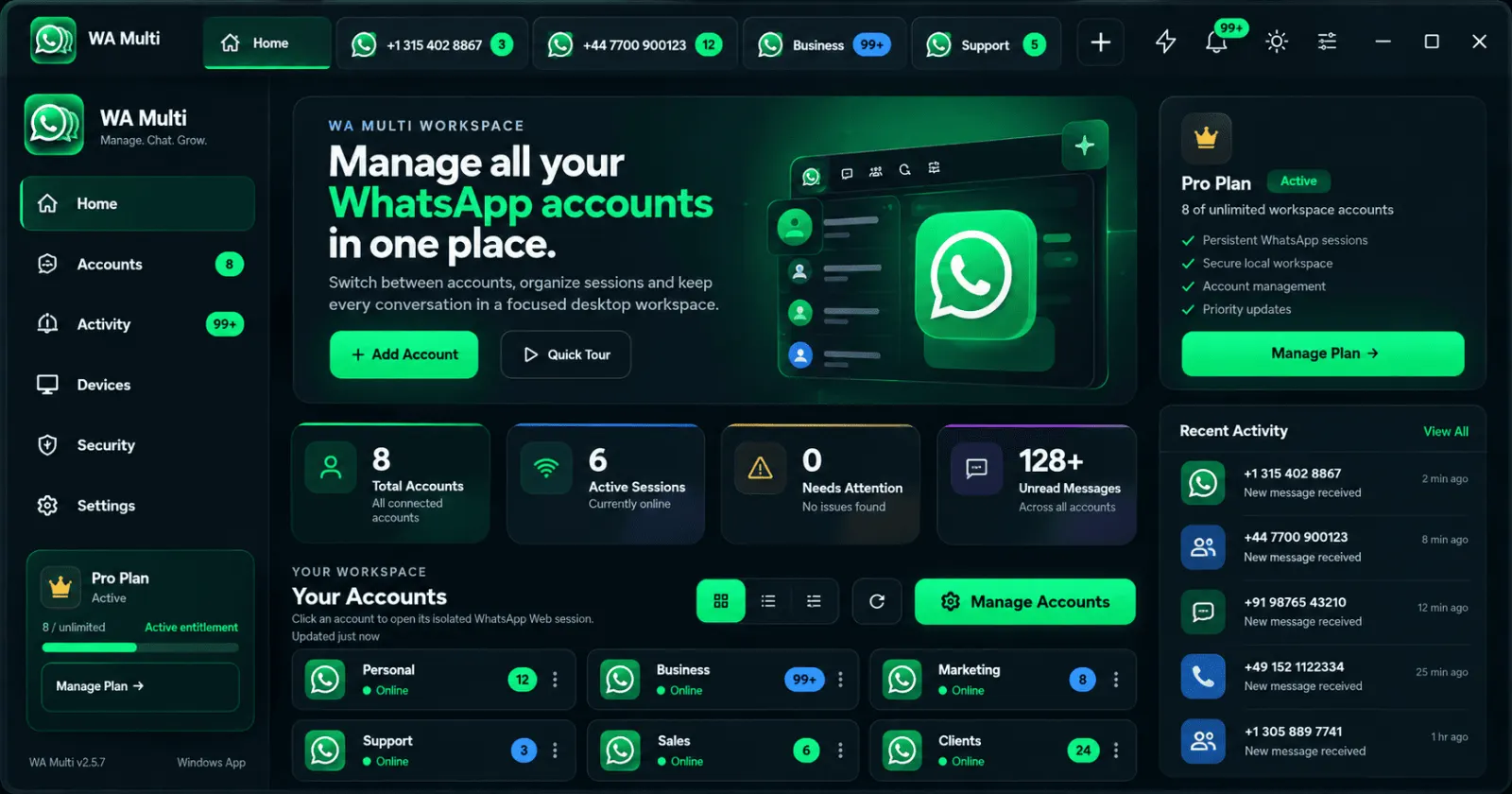
WA Multi is built around independent WhatsApp Web sessions. It adds a clear desktop workspace around the accounts you already use.
Keep a personal number and a work number available on the same Windows PC without mixing session identity.
Label customer-facing WhatsApp Web sessions so you can see which support account you are using before you reply.
Keep multiple sales numbers accessible from one workspace instead of maintaining a stack of browser profiles.
WA Multi does not create accounts or bypass WhatsApp login. Each workspace session loads WhatsApp Web and is linked using the account owner's normal linked-device QR flow.
After login, WA Multi keeps the desktop sessions organized with named account tabs, persistent local workspace data, activity indicators and switching controls.
This makes the app useful for people searching for ways to use two WhatsApp accounts on Windows, multiple WhatsApp Web logins on one PC, or separate personal and business sessions on the same computer.
Yes. WA Multi provides separate WhatsApp Web sessions inside one desktop workspace. Each account is linked normally from its phone.
Yes. Give each session a clear name such as Personal, Business, Sales or Support so the active account remains obvious.
No. Sessions remain separate. WA Multi organizes the desktop experience around them.
No. WA Multi is independent third-party desktop software and is not endorsed by WhatsApp or Meta.